
Introduction to Move to iOS Application:
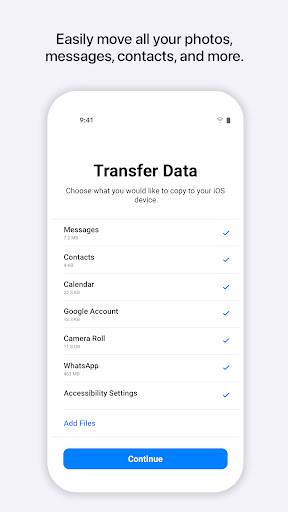
1. The Move to iOS application is designed to simplify the process of transferring data from an Android device to an iOS device. With this app, users can seamlessly move their contacts, messages, photos, videos, bookmarks, and even their applications to their new iPhone or iPad.
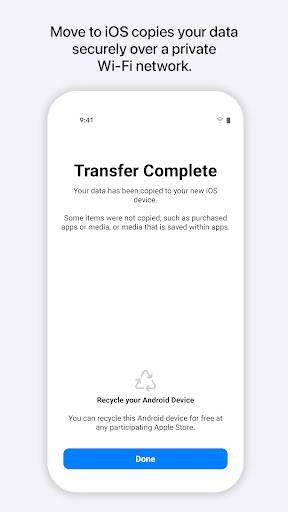
2. One of the most attractive features of the Move to iOS app is its ease of use. It provides a simple and user-friendly interface, allowing users to quickly set up their new iOS device and transfer their data securely. This feature ensures a smooth transition from an Android device to an iOS device without any hassle.
3. The Move to iOS application has gained significant popularity globally, with millions of users currently using it. Its availability and widespread usage demonstrate its effectiveness in simplifying the transition process for Android users who are switching to iOS.
4. While the Move to iOS app generally offers a smooth transfer experience, there are a few common issues that users may encounter. Some users have reported connectivity issues, where the Android device fails to connect to the iOS device during the transfer process. Additionally, occasionally, the app may encounter compatibility issues with certain devices or encounter errors that hinder the transfer of specific data types.
5. Advantages:
- Seamlessly transfers various types of data, including contacts, messages, photos, videos, bookmarks, and applications.
- Provides a user-friendly interface for easy setup and data transfer.
- Ensures secure data transfer between Android and iOS devices.
Disadvantages:
- Connectivity issues may arise during the transfer process.
- Compatibility issues with certain devices or data types may occur.
- Limited to transferring data from Android to iOS devices only.
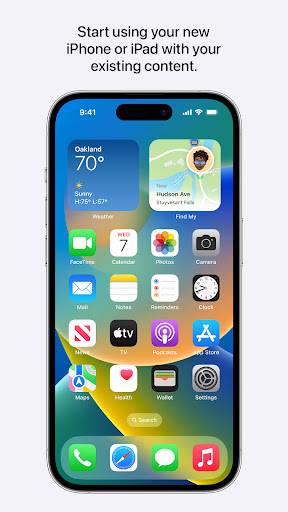
Overall, the Move to iOS application offers a convenient solution for users looking to switch from an Android device to an iOS device. Its features and functionalities make the data transfer process smoother, allowing users to quickly and securely transition to their new iOS devices.